MiniMax H3 · Hailuo 3 · online studio

MiniMax H3 AI Video Generator

Text or image in, a short cinematic MP4 out. Free daily trial at 768p / 5s, then credits for 10–15s. Independent tool — not official MiniMax or Hailuo.

Prompting tips Shot: “close-up”, “wide-angle”. Motion: “slow dolly in”, “tracking shot”. Style: “cinematic”, “golden hour”. Example: Close-up of melting icicles on a rock wall, cool blue tones, slow zoom in.
Aspect ratio
Duration
Audio Audio on

MiniMax H3 is the model this site runs: text to video, or one reference image, at 768p. Guest trial is 5s. Signed-in credits unlock 10–15s. Official 2K / omni / start-end / lip-sync workflows are not on this page.

Examples History
0:00 / 0:00

Motion demo — not MiniMax H3 output

Free daily trial · Google sign-in · Download as MP4

The model

What is MiniMax H3?

MiniMax H3 — also called Hailuo 3 or Hailuo 3.0 — is MiniMax’s multimodal video model. This page is an independent MiniMax H3 AI video generator: type a prompt or upload a still, get a short MP4.

Official MiniMax H3 docs talk about 2K, native stereo, and many reference slots. We do not claim those here. You stay on minimaxh3.lol: text to video, image to video, a free daily trial, then Google sign-in and credits. Paid clips here are MiniMax H3 at 768p, not MiniMax’s official 2K app.

MiniMax H3 text to video

Write the subject, setting, action, and camera move. This MiniMax H3 AI video generator renders a short clip — no timeline or stock footage required.

MiniMax H3 image to video

Drop in a PNG, JPG, or WebP (up to 8 MB). The still becomes the opening frame; your prompt describes how it should move.

768p trial vs longer clips

Guest MiniMax H3 is 768p / 5s. Signed-in credits unlock 10–15s at the same 768p. We do not run official 2K, start/end frames, or lip-sync omni on this page.

Four steps

How to use this MiniMax H3 AI video generator

Four steps from idea to MP4. The same flow works for text to video and image to video.

01

Add a reference (optional)

Start from text only, or drop in a still. Image to video uses that photo as the opening frame.

02

Describe the shot

Write subject, setting, action, style, and camera move. Pick 5s, 10s, or 15s before you generate.

03

Generate in the browser

This MiniMax H3 AI video generator renders a short MP4. Guest trial is locked to 768p and 5 seconds.

04

Preview and download

Watch the clip on the page, then download the MP4. Signed-in videos also land in My works.

In the browser

MiniMax H3 features

What this MiniMax H3 AI video generator actually does in the browser — not a list of official MiniMax lab specs.

Text to video

Write a scene and this MiniMax H3 AI video generator returns a short MP4. No timeline, stock footage, or desktop app.

Image to video

Upload a PNG, JPG, or WebP (up to 8 MB). The still is the first frame; your prompt describes how it should move.

Free trial every day

Guests get two MiniMax H3 clips per day at 768p and 5 seconds. No card. Sign in with Google when you want more.

Paid 10s / 15s MiniMax H3

Every clip here is 768p. Credits unlock 10–15s MiniMax H3. Guest trial stays 768p / 5s. That is what this stack actually runs.

Prompt-first, no editor to learn

Work here is a prompt, a duration, and Generate. Failed runs are not charged when Account reports a failure.

Runs in the browser

Nothing to install. Generate on desktop or mobile and download the file as a plain MP4.

MiniMax H3 at a glance

Modes Text to video · Image to video
Search names MiniMax H3 · Hailuo 3 · Hailuo 3.0
Guest trial MiniMax H3 · 768p · 5 seconds · 2 / day
Paid models MiniMax H3 768p · 10s / 15s
Length 5s · 10s · 15s (guest locked to 5s)
Access Browser · Google sign-in · credits

Studio demos

MiniMax H3 text to video and image to video

Atmosphere loops for the page, not MiniMax H3 output. This MiniMax H3 AI video generator still does text to video and image to video in the tool above — generate your own MP4 there.

Atmosphere loop Page motion demo — not a clip this MiniMax H3 generator produced.
Camera move demo Background plate for the layout. Generate your own MP4 in the tool above.
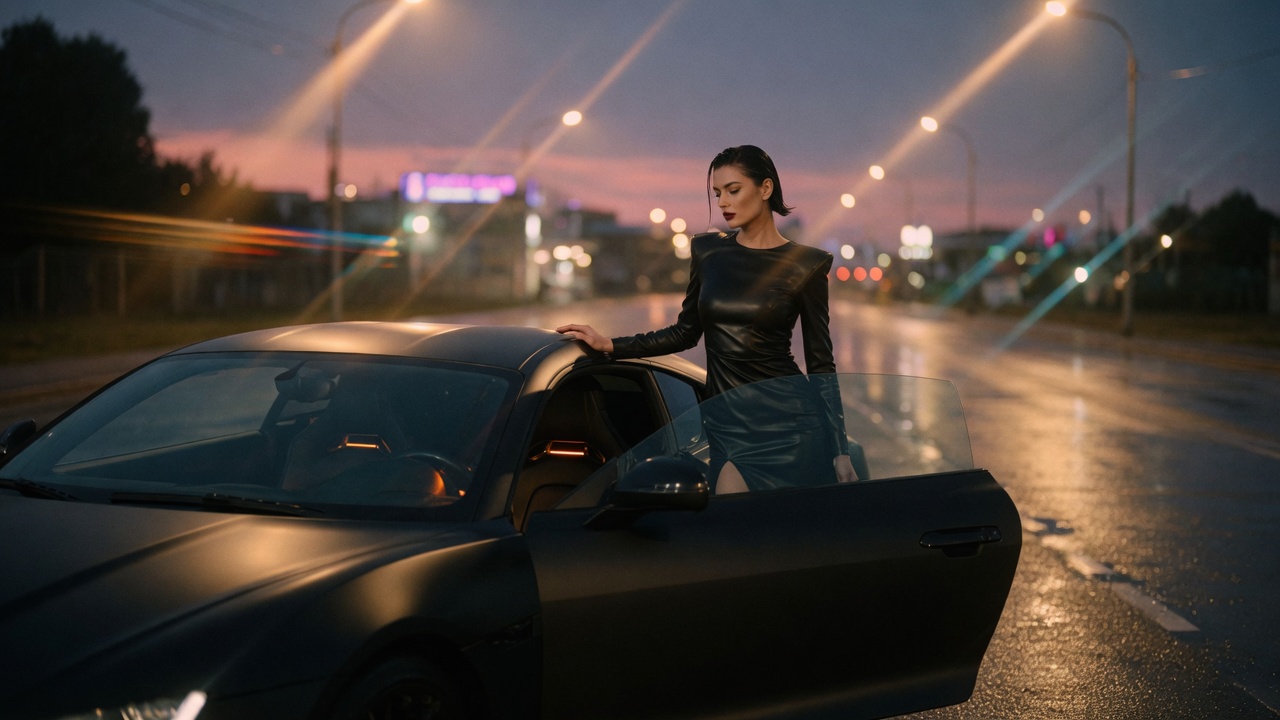
Cinematic fashion lighting still for a MiniMax H3 shot board
Fashion lighting plate Mood still — not a clip this generator produced.
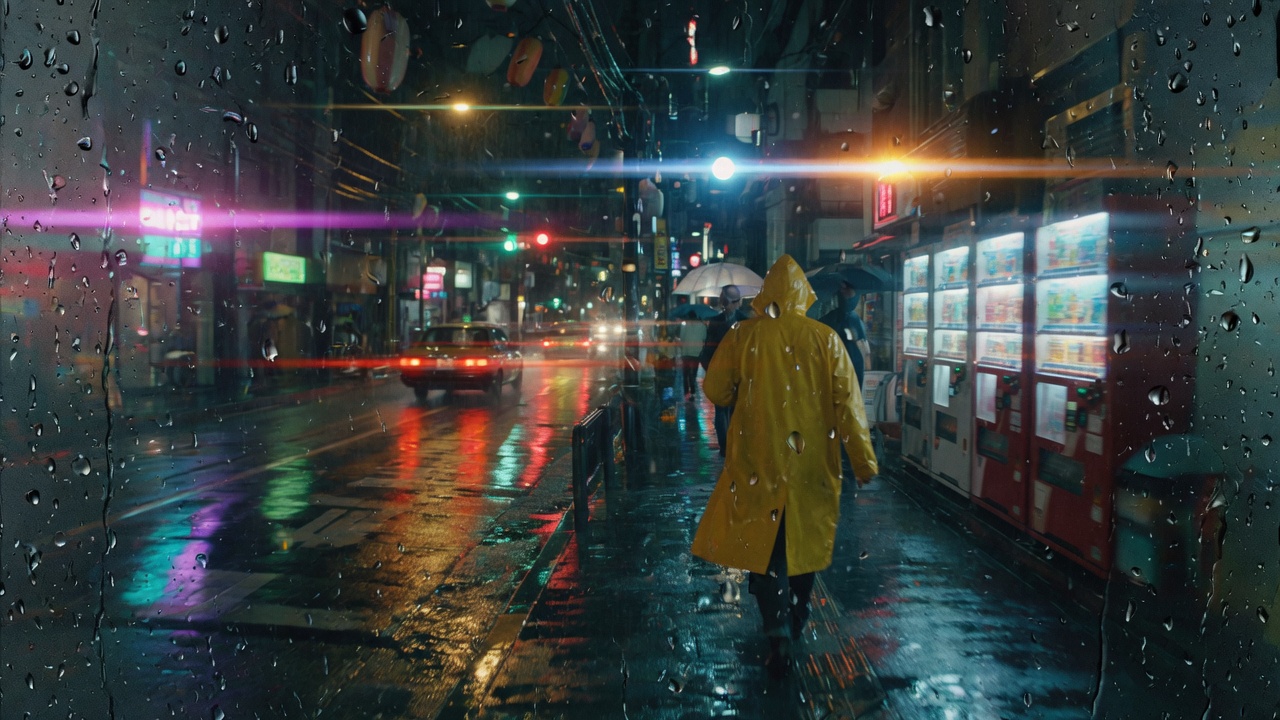
Rainy night street still used as a MiniMax H3 camera-move reference
Night street reference Camera-move board — generate your own MP4 above.

MiniMax H3 for creative workflows

One MiniMax H3 AI video generator, several short-clip jobs.

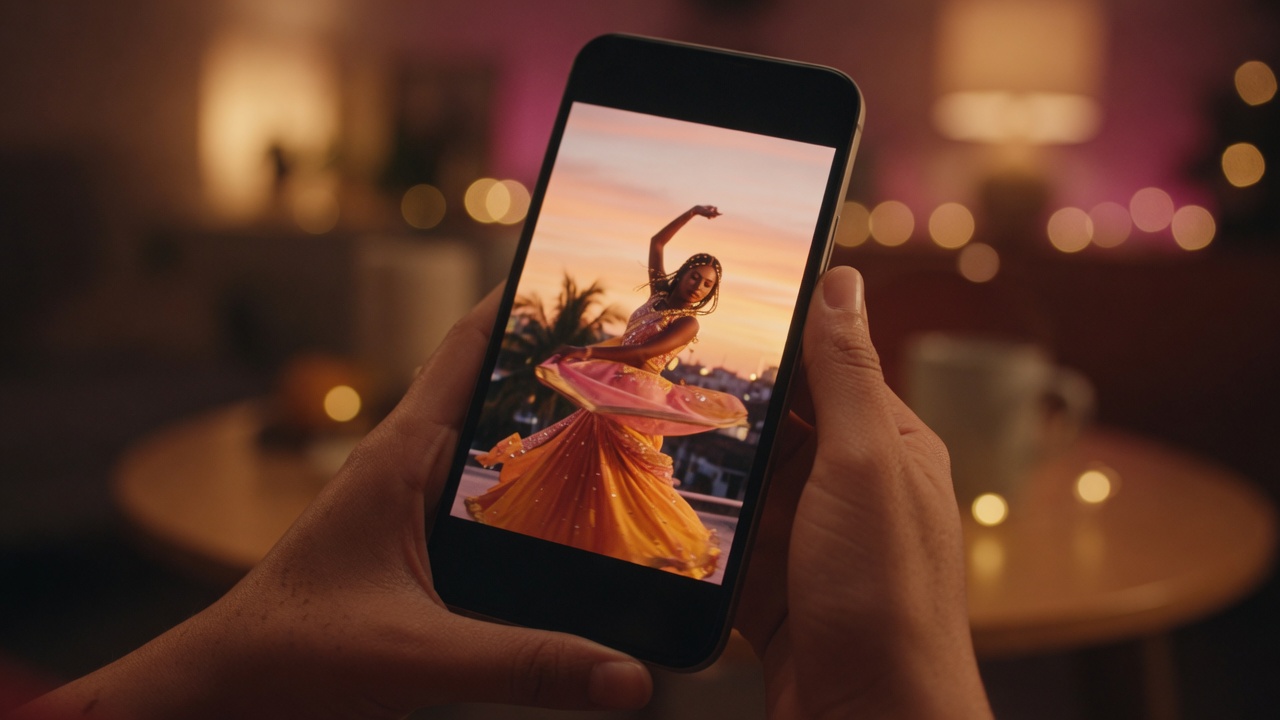
Vertical phone frame for MiniMax H3 social clips

Social & short-form

Use text to video for a 5–15s vertical beat: Reels, Shorts, TikTok drafts from one line of copy.

Product still turned into MiniMax H3 image to video

Ads & product

Image to video animates a pack shot into a moving hero for a landing page or paid social test.

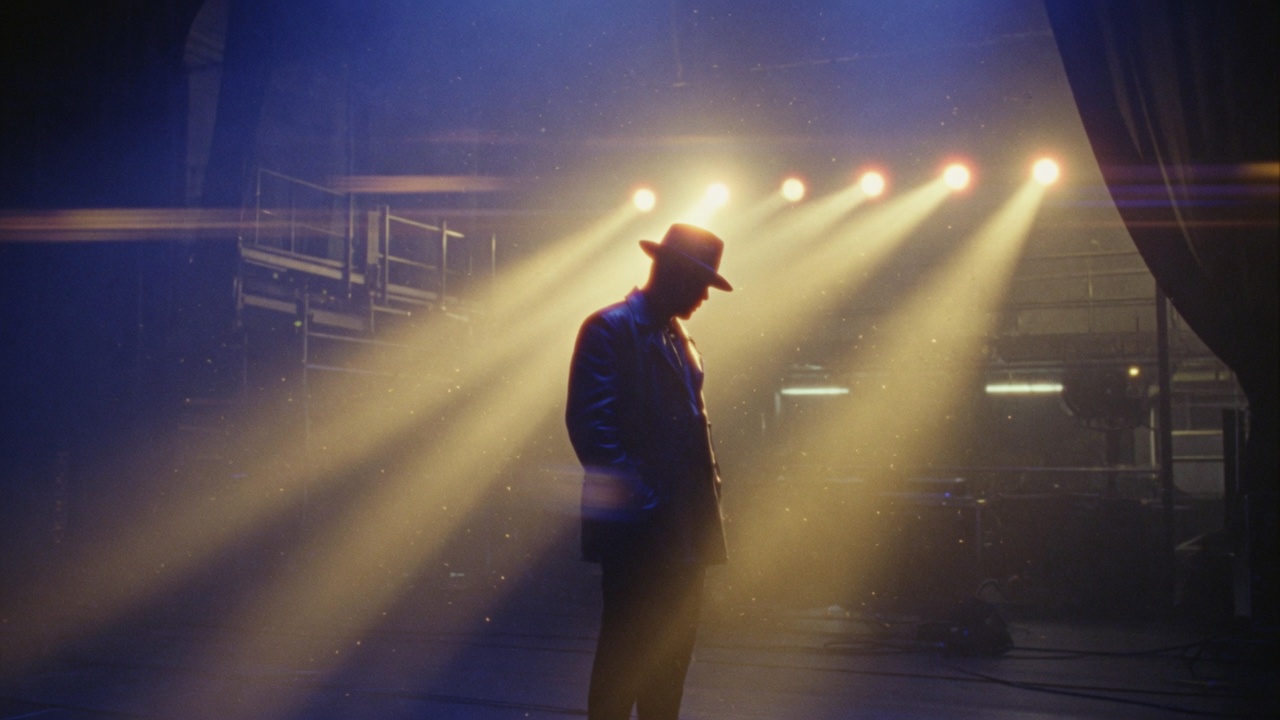
Concept lighting board for MiniMax H3 mood shots

Film & VFX looks

Block a mood, camera move, or lighting idea before you book a crew. Treat the MP4 as a sketch.

Character moments

Keep one subject in frame and describe a single action. Clips stay short; one beat reads cleaner than a packed shot list.

Education & explainers

Illustrate a process or a historical beat with a short clip instead of hunting stock.

Music & loop visuals

Generate a loop to sit under a track. Sync is your job in an editor; this tool only makes the moving plate.

Why this MiniMax H3 generator

Prompt-first MiniMax H3 clips, a real free trial, and credits that stay on this site.

“I needed a text to video draft in the browser. One prompt, a 5-second Turbo trial, then I bought credits for HD.”

Anika R. Short-form creator

“Image to video is the path I use: drop a product still, describe the move, download the MP4 for the landing hero.”

Daniel K. Indie founder

“The free trial is honest about 768p/5s. When I need a longer clip I sign in and spend credits on MiniMax H3.”

Priya S. Motion designer

“No app install. This MiniMax H3 AI video generator just runs on my phone, and My works keeps signed-in clips.”

Rachel M. Music video editor

MiniMax H3 vs official Hailuo

Search MiniMax H3 or Hailuo 3 and you will find the official model. This site is a separate online generator with a smaller, honest feature set.

Independent generator

People search MiniMax H3 and Hailuo 3 for the same model family. This MiniMax H3 AI video generator is independent — not MiniMax’s Hailuo app.

What we actually run

This site calls MiniMax H3 at 768p, up to 15 seconds: text to video, or one still as a reference. We do not ship official 2K, start/end frames, or lip-sync omni here.

Credits stay on this product

Google sign-in and Stripe checkout go through Account. MiniMax H3 credits never expire and cannot move to another site.

MiniMax H3 prompt tips

Limits this MiniMax H3 AI video generator enforces before you spend credits.

Keep one action per clip

A reliable prompt is subject + environment + action + style + camera. One clear action reads cleaner than a packed shot list.

Pick duration and resolution first

Clips are 5, 10, or 15 seconds at 768p. Guest trial is 5s. We do not run 1080p or official 2K on this page.

Failed runs are not charged

Unsafe prompts are blocked before billing. If generation fails after submit, credits refund. Refreshing mid-render still saves a finished signed-in clip to My works.

Export is a plain MP4

Preview the result in the page, then download. There is no watermark. We do not output official 2K Hailuo 3 files here.

Plans & pricing

Start this MiniMax H3 AI video generator free every day. Go monthly or yearly for the best price per credit — or buy a one-time pack. Credits never expire.

Lite

$29.90 $15.90 / month

150 credits / month

≈ 18 MiniMax H3 clips / mo at 768p / 5s

For the occasional creator.

  • MiniMax H3 — 768p text to video and image to video
  • Native audio · MP4 download
  • No watermark · private generation
  • Commercial-use license
  • Failed runs are never charged
  • Credits never expire

Cancel anytime

Studio

Best value
$119.90 $65.90 / month

950 credits / month

≈ 118 MiniMax H3 clips / mo at 768p / 5s

For daily, high-volume work.

  • MiniMax H3 — 768p text to video and image to video
  • Native audio · MP4 download
  • No watermark · private generation
  • Commercial-use license
  • Failed runs are never charged
  • Credits never expire
  • Lowest price per credit
  • Priority support

Cancel anytime

Secure Stripe checkout Not ready? Start free every day →

Answers

MiniMax H3 FAQ

What is MiniMax H3?

MiniMax H3 is MiniMax’s general-purpose multimodal video model, also written Hailuo 3 or Hailuo 3.0. This site is an independent browser tool for that search: text to video and image to video into a short MP4. We are not MiniMax and we do not run the official Hailuo 2K/omni stack here.

Is MiniMax H3 the same as Hailuo 3?

Yes. Hailuo is MiniMax’s video family, and H3 is the third generation. Searchers write Hailuo 3, Hailuo 3.0, Hailuo H3, or MiniMax Hailuo 3 for the same entity. This site treats Hailuo 3 as the alias.

Is this MiniMax H3 AI video generator free to use?

You can start free. The guest trial is two MiniMax H3 clips per day at 768p and 5 seconds, with no card. Sign in with Google for starter credits, then buy a plan or pack only if you need more generations.

Does MiniMax H3 support text to video?

Yes. Text to video is the default mode: write subject, setting, action, and camera move, then Generate. No footage or editing timeline is required.

Does MiniMax H3 support image to video?

Yes. Image to video takes a still (PNG, JPG, or WebP up to 8 MB) as the opening frame. Describe the motion in the prompt. Aspect ratio follows the photo, so the 16:9 / 9:16 picker hides in that mode.

How do I write a MiniMax H3 prompt?

Use subject + environment + one action + style + camera. Example: “a woman in a yellow raincoat on a rain-slicked street, cinematic lighting, slow push in.” Clips stay short — one beat per generate reads cleaner than a packed shot list.

How long can the videos be, and what resolution?

Pick 5, 10, or 15 seconds before you run. Every clip is 768p. Guests are locked to 5 seconds. Signed-in credits unlock 10s and 15s. Official MiniMax marketing lists 2K; this site does not offer 2K.

Are you the official MiniMax or Hailuo product?

No. minimaxh3.lol is independent. We are not affiliated with, endorsed by, or operated by MiniMax, Hailuo AI, or Kuaishou. Paid clips on this stack are MiniMax H3 at 768p.

Do you offer the MiniMax H3 API or 2K omni mode?

No. We do not expose an official API, 12-reference omni inputs, or 2K output. For those, use MiniMax’s own platform. This browser tool is prompt-first text/image to a short MP4.

What is MiniMax H3 Turbo on this site?

MiniMax H3 here is the AutoDL ComfyUI workflow this site actually calls: text to video, or one reference image, at 768p. It is not MiniMax’s official 2K / omni app. Guest trial is 768p / 5s; credits unlock 10s and 15s.

Can I download the video as an MP4?

Yes. When a clip finishes it plays in the page and you can download the MP4. Signed-in files also save to My works for the retention window (about 24 hours unpaid, 7 days after a payment on this product).

Do I need an app or browser extension?

No. This MiniMax H3 AI video generator runs in the browser on desktop and mobile. There is no app to install and no extension to add.

How much does it cost after the free trial?

Each generate costs a fixed credit amount shown on the button. MiniMax H3 at 768p / 5s is 8 credits; 10s is 12; 15s is 16. Monthly, yearly, or one-time packs are on Pricing; credits never expire.

What happens to guest clips versus the signed-in library?

Guest results stay in this browser for about 24 hours. Signed-in clips go to My works. Clearing the browser or switching devices drops guest history. Download anything you need to keep.

Start with the MiniMax H3 AI video generator

Generate your first clip from a prompt or an image — free daily trial, then credits.

Generate a video